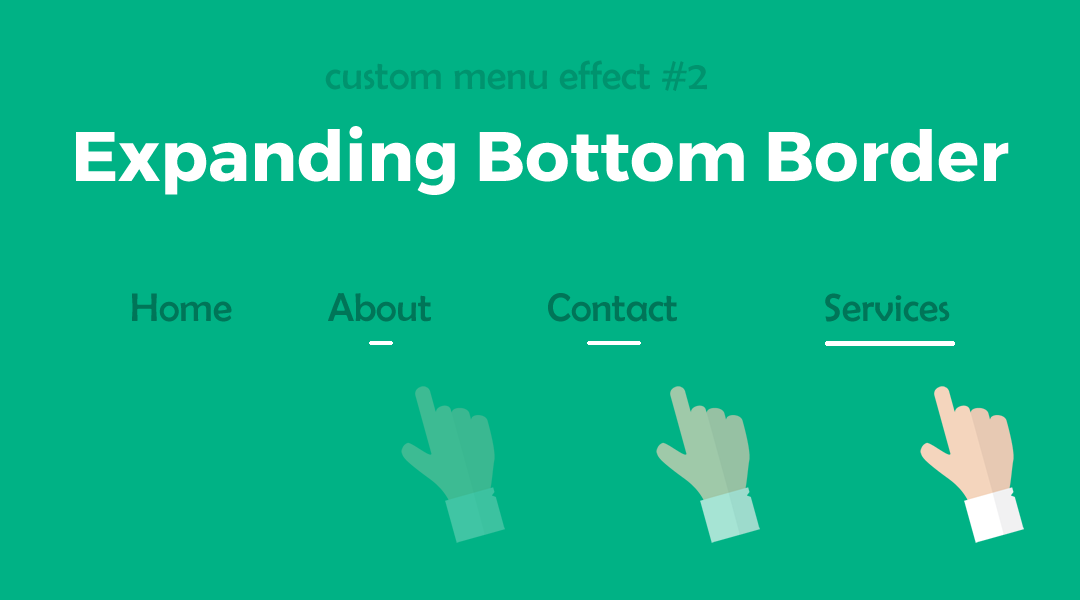
Divi Menu Expanding Bottom Border
In this tutorial I am going to show you how you can make a Divi Menu Bottom Border that expands when you hover over each menu item.


Home of the Original Divi Tutorials & Divi Layout Kits.
Home of the Original Divi Tutorials & Divi Layout Kits.
In this tutorial I am going to show you how you can make a Divi Menu Bottom Border that expands when you hover over each menu item.

In this tutorial I am going to show you how you can make the outline slowly reveal itself from two corners of each menu item.

Make your Divi Header stand out in the crowd with these 13 popular Divi Header / Menu tutorials I have written over the years.
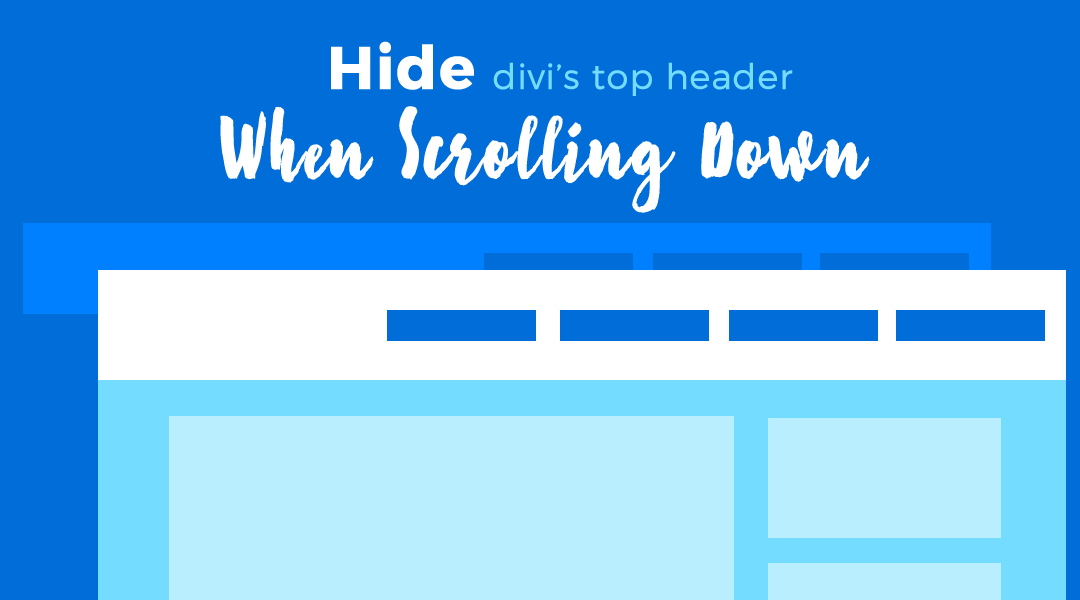
When Divi’s Fixed Header option is enabled, the top header and the main header remain fixed at the top of the screen as you scroll down the page. But sometimes that takes up too much screen real estate. This nifty little snippet will allow the Main Header to scroll up over the Top Header hiding it until you scroll back up to the top of the page.
Have you ever had your menu overlap into two rows on smaller screens? One solution is to initiate the mobile menu a little sooner than usual.
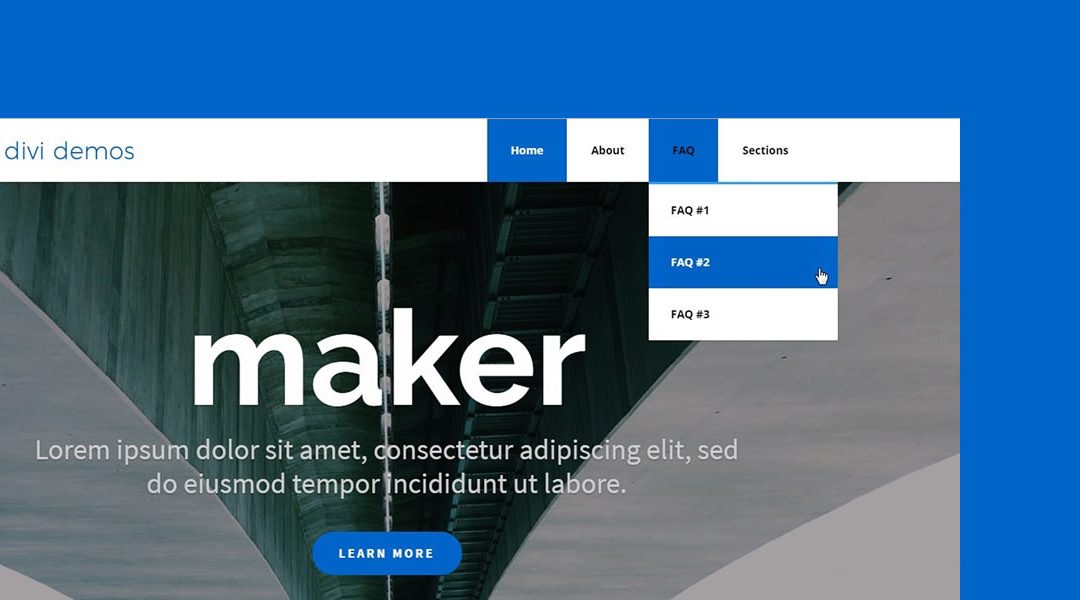
In this Divi tutorial we are going to show you how to create large square main menu buttons in your Divi main menu.
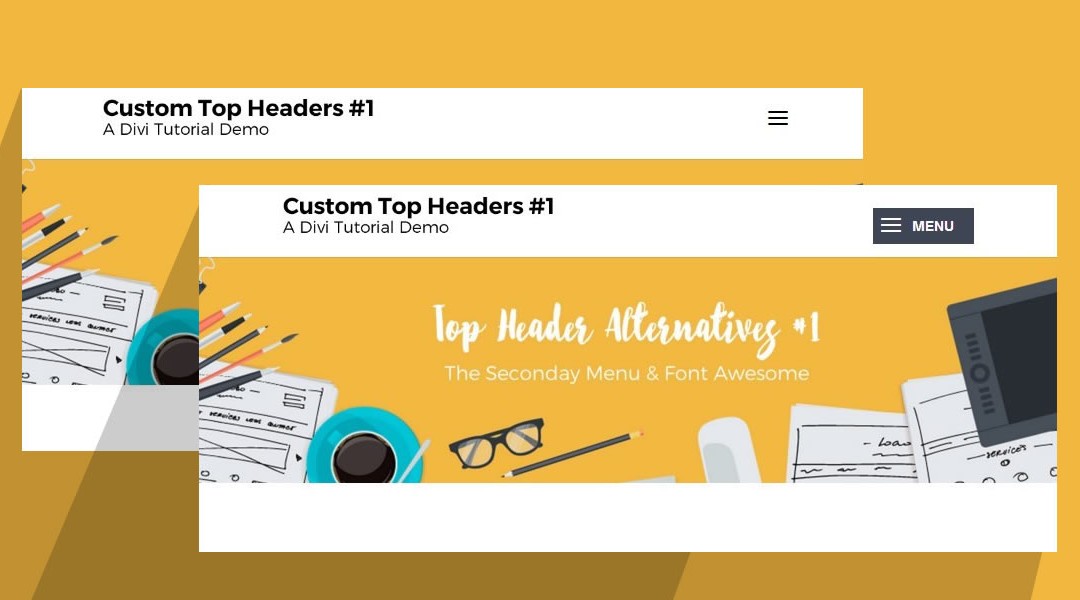
Tired of the boring old hamburger icon on your mobile menu? Here is an easy way to turn your Hamburger icon into a button with text.

Here is an easy way to swap out your vertical logo with a horizontal or square logo when the user scrolls down the page.
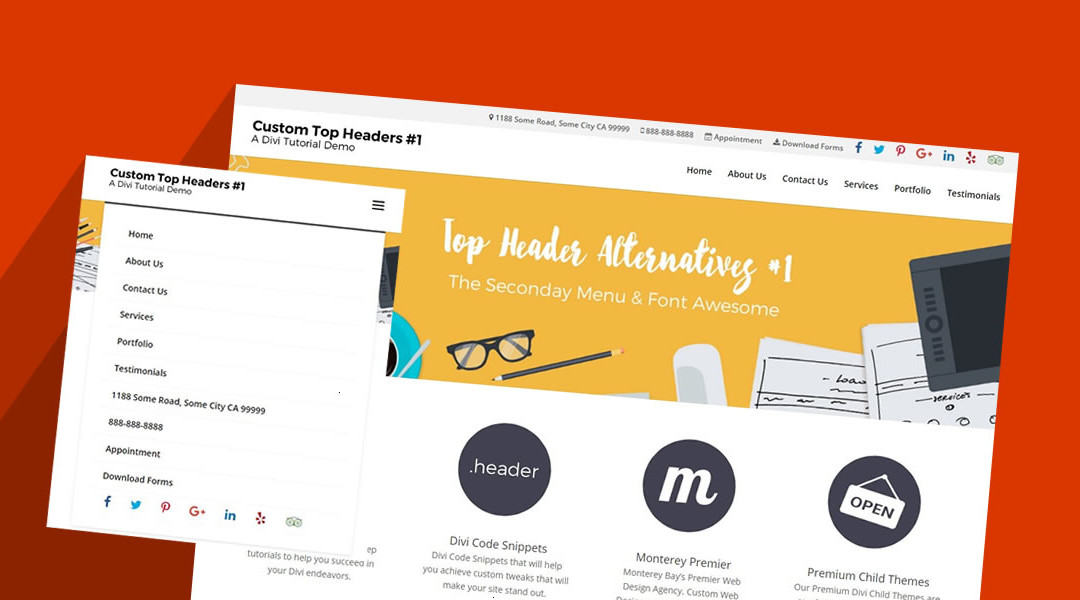
Have you ever wanted to add more info to the top header instead of just a phone # and email address? How about a physical street address or new social icons? Well it is easier than you think using the secondary menu and Font Awesome.
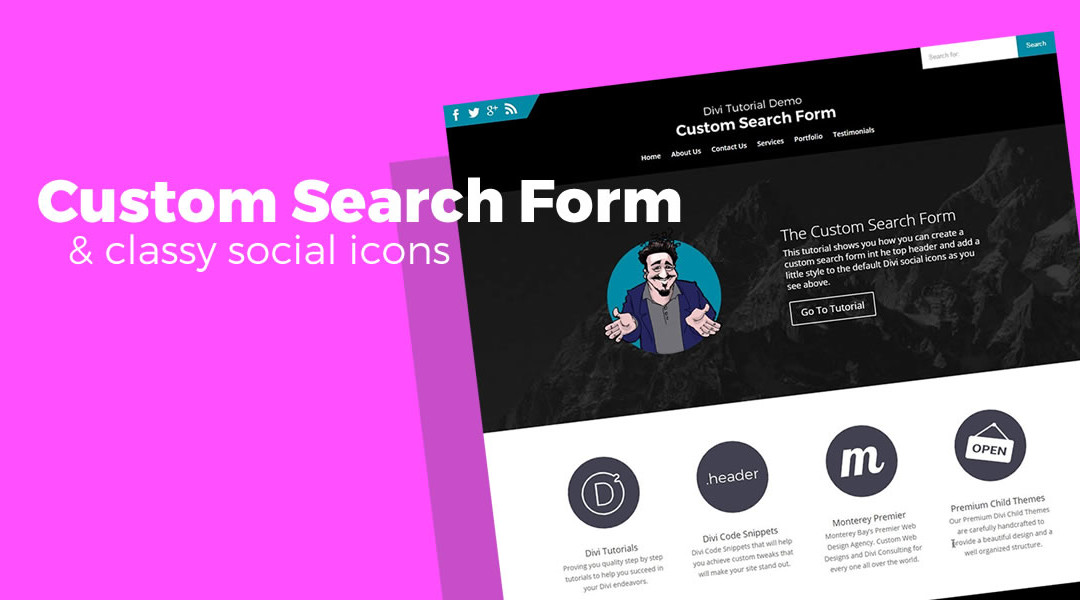
This Divi tutorial will help you add a prominent Search Form in your top header and add a little class to the default Div Social Icons in the process.
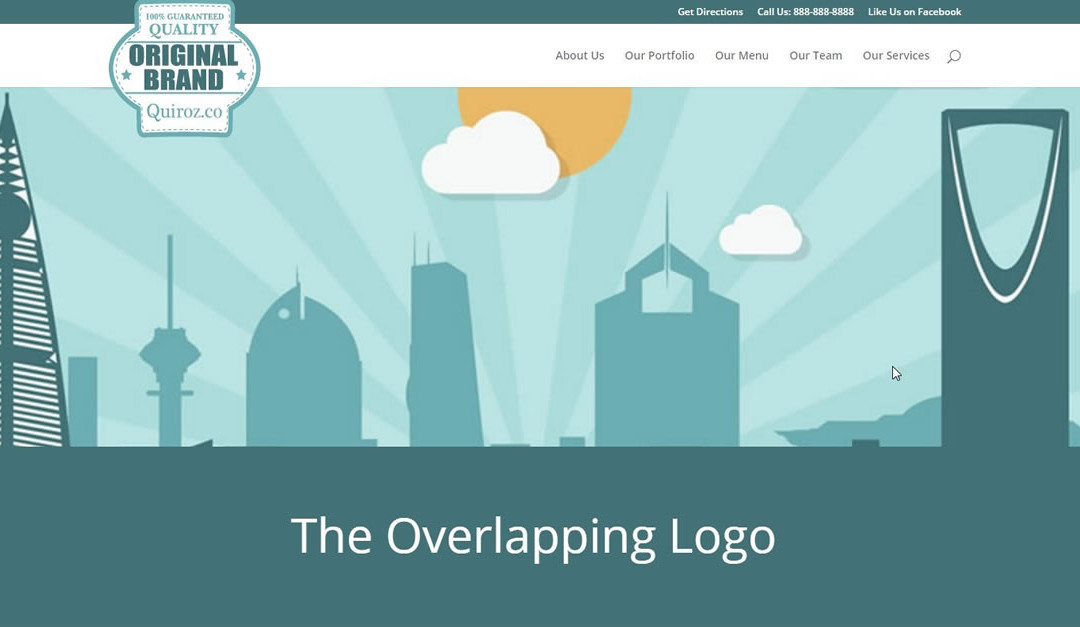
As you know logos with more height than width can be a little tricky in the vertically challenged default Divi logo area. Here is a great solution for you.
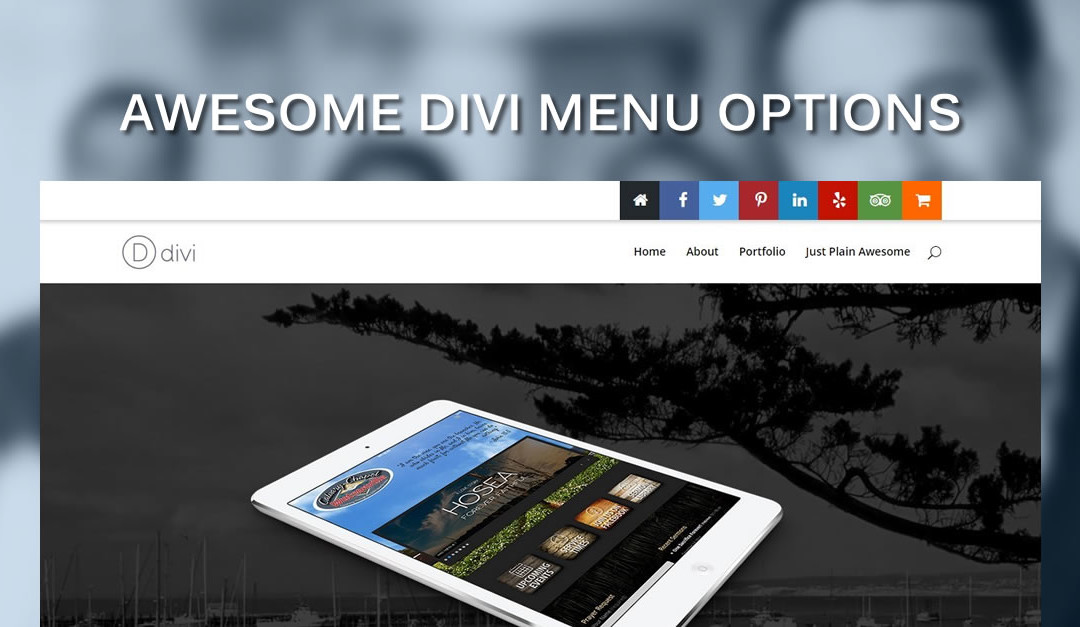
This little Divi tip will help you add cool social media buttons in Divi’s Top Header using Font Awesome, CSS and a little Divi Wizardry
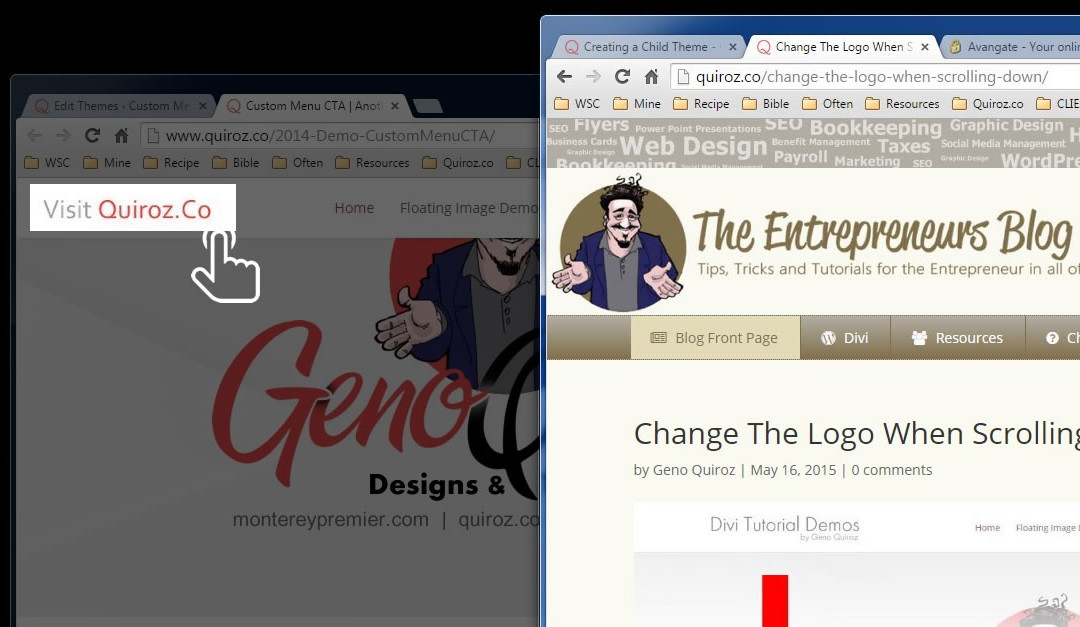
On a recent tutorial I discovered that I wanted to change the Divi header logo link to a page other than the homepage. It was so easy I decided to add it to my Divi tutorials.
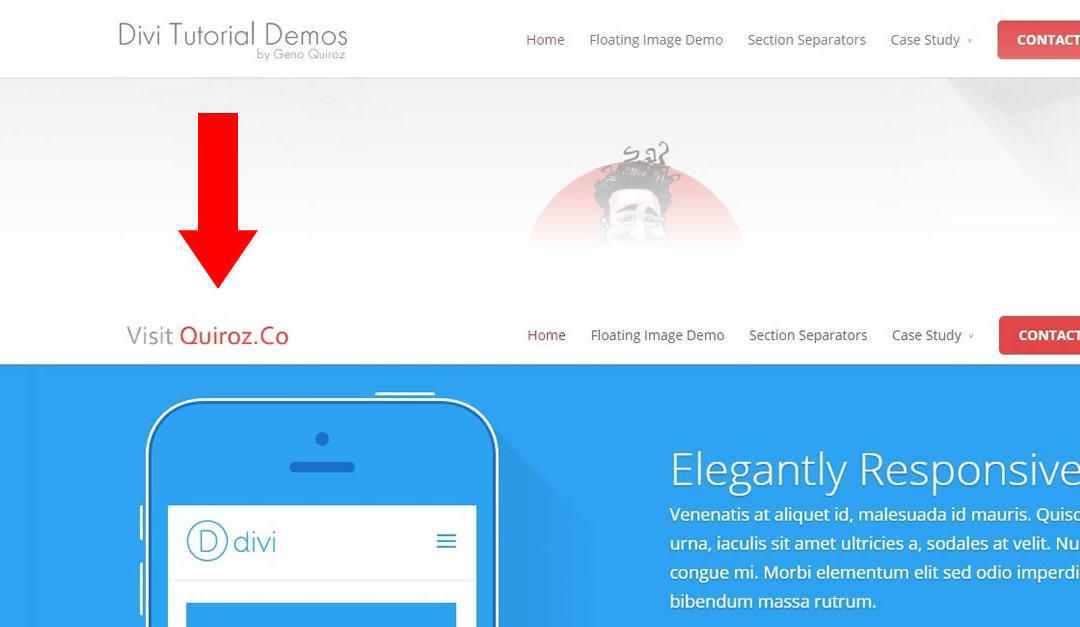
I have received several requests for a tutorial on how to change the logo image when scrolling down the page. If you have too, this just might be the perfect solution for you. Take a look at how I swap logos with a minor addition to the header.php and a little CSS
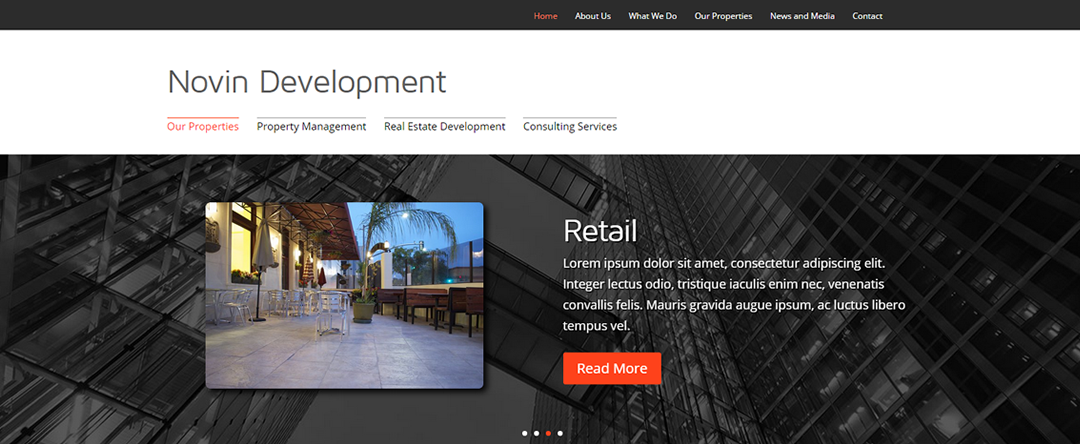
Divi comes packed with many ways to customize & place your menus. In fact you can place custom menus practically anywhere you want. Here is a brief tutorial on how.



By subscribing, you can stay up to date with the latest Divi tutorials, news, business tips, and more!
©2012-2019 Geno Quiroz | Teach Learn Build Love | Divi Expert Services | John 3:16
Divi is a registered trademark of Elegant Themes, Inc. This website is not affiliated with nor endorsed by Elegant Themes.

IT DOES NOT TAKE LONG TO GET LEFT BEHIND!