Divi Menu Expanding Chopstix Borders
In this tutorial I am going to show you how you can make Divi Menu Top & Bottom Borders that expand and reveal like chopstix; closed at one end then slowly opening up.


Home of the Original Divi Tutorials & Divi Layout Kits.
Home of the Original Divi Tutorials & Divi Layout Kits.
In this tutorial I am going to show you how you can make Divi Menu Top & Bottom Borders that expand and reveal like chopstix; closed at one end then slowly opening up.

In this tutorial I am going to show you how you can make Divi Menu Top & Bottom Borders that expand and rotate into view when you hover over each menu item.
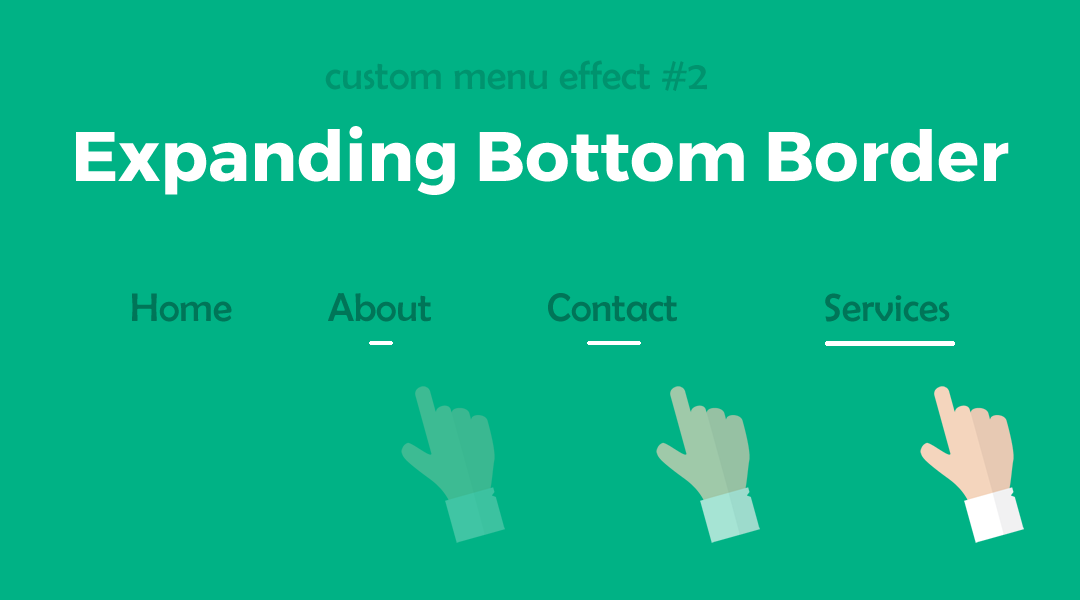
In this tutorial I am going to show you how you can make a Divi Menu Bottom Border that expands when you hover over each menu item.

In this tutorial I am going to show you how you can make the outline slowly reveal itself from two corners of each menu item.

So in this tutorial I am going to show you how you can make a section clickable and how to send the user to another url when they click on it.
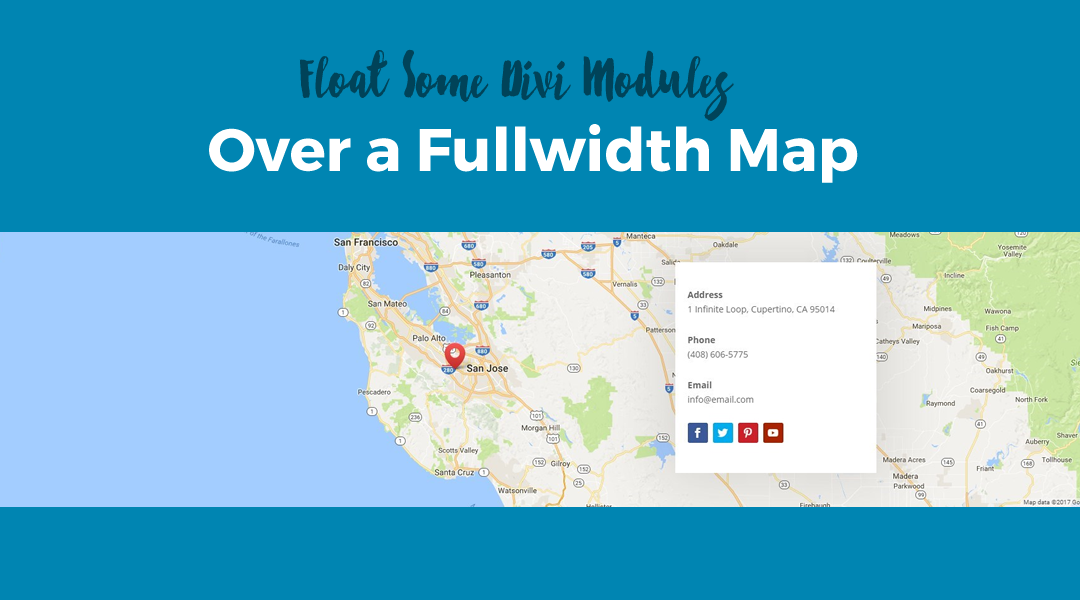
In this tutorial I am going to show you how you can float some Divi Modules over a Fullwidth Map.

In this tutorial I am going to give you 12 different Divi Blurb Icon animations for your next Divi project.
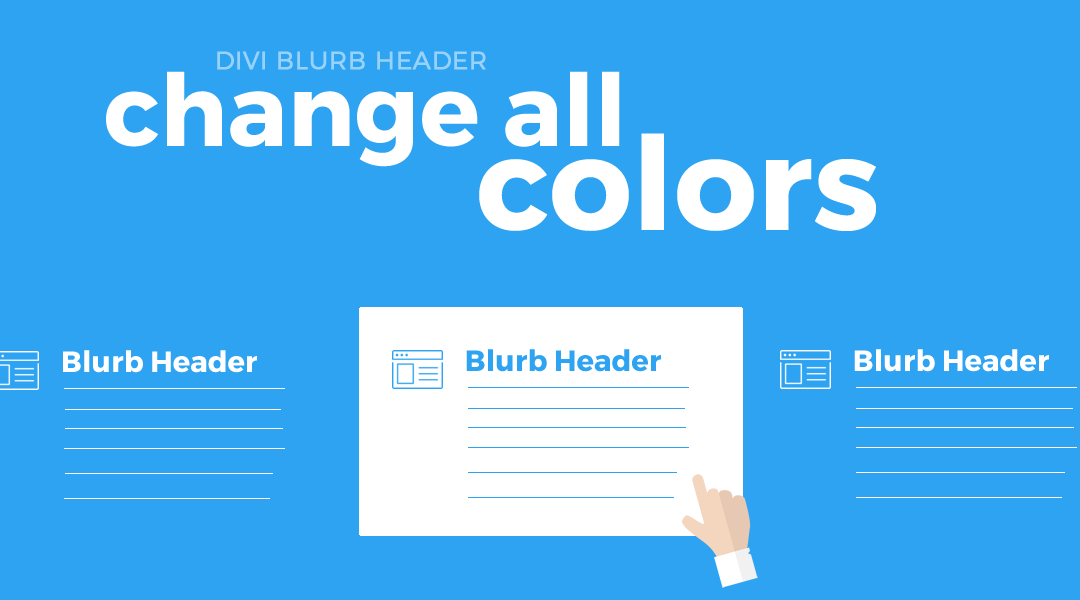
In this tutorial I am going to show you how you can change the background colors, icon color and font colors when you hover over the Divi Blurb Module. I also threw in a spinning icon animation just for fun.

In this tutorial I am going to show you how you can create a separate category.php file and add a Divi Page Builder Header Section & Category Title for your Category Archive pages.
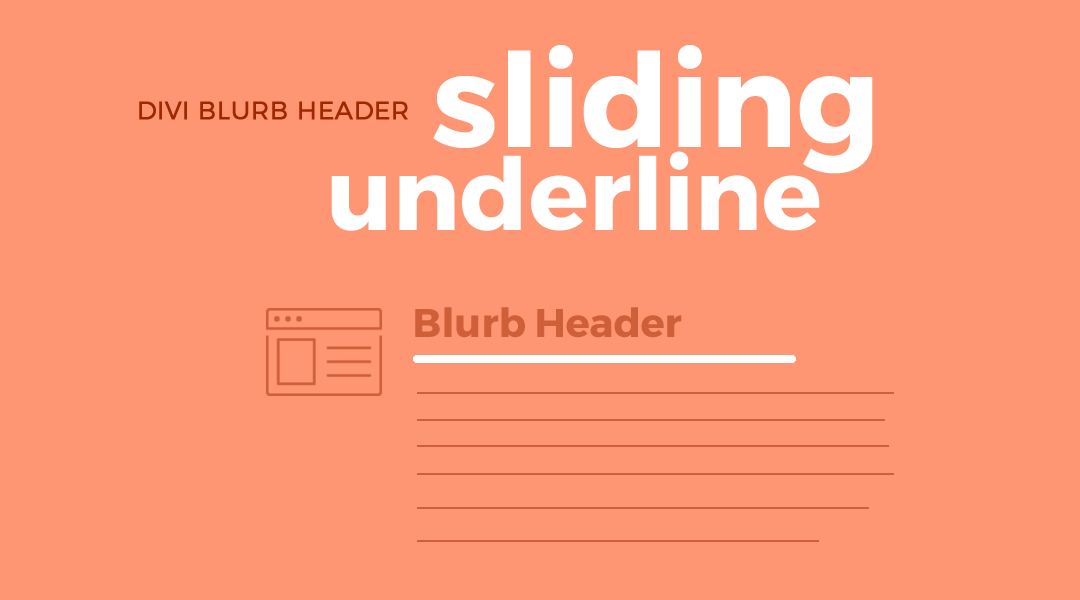
In this tutorial I am going to show you how you give the Divi Blurb Header an animated sliding underline when you hover. This slides in from the left and slides out to the right making it a little different than the typical expanding or floating underline.
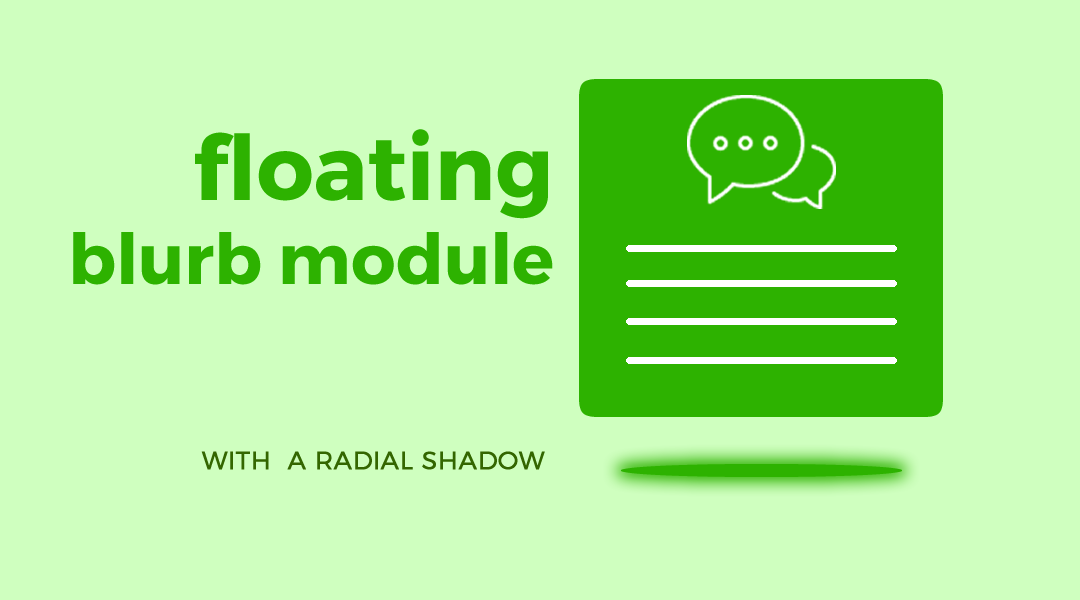
In this tutorial I am going to show you how you can make your Blurb float upwards with a cool radial shadow below it when you hover anywhere over the blurb.
In this tutorial I am going to show you how you can make your Blurb Module have a little bounce animation upon hover.
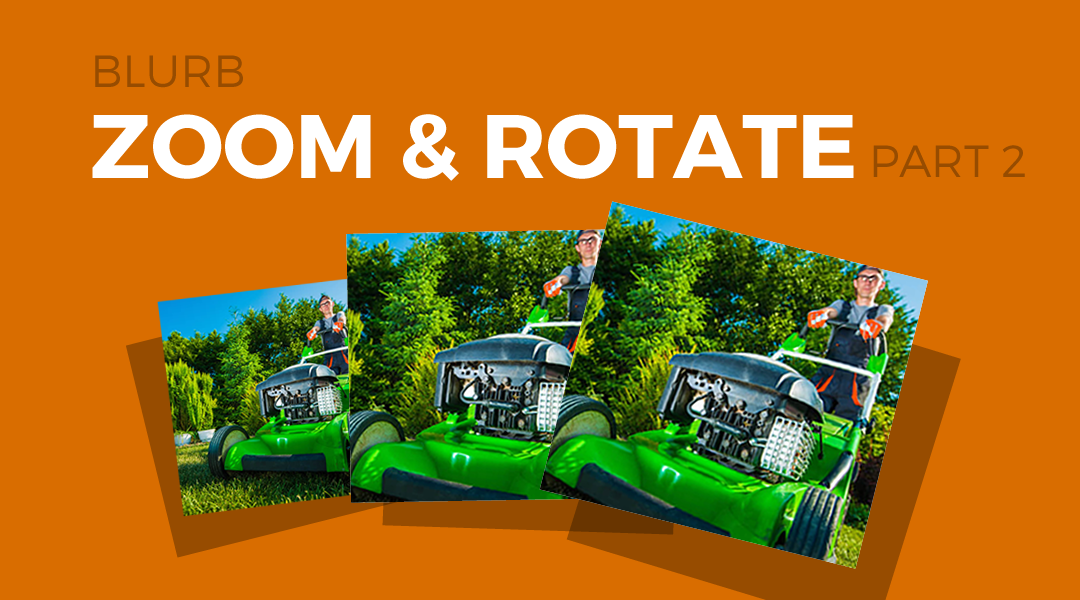
In this tutorial, I am going to share with you how to make the Blurb Module Image zoom & rotate on hover and add a nice boxed shadow effect to each column to really make your blurbs stand out.

Make your Divi Header stand out in the crowd with these 13 popular Divi Header / Menu tutorials I have written over the years.
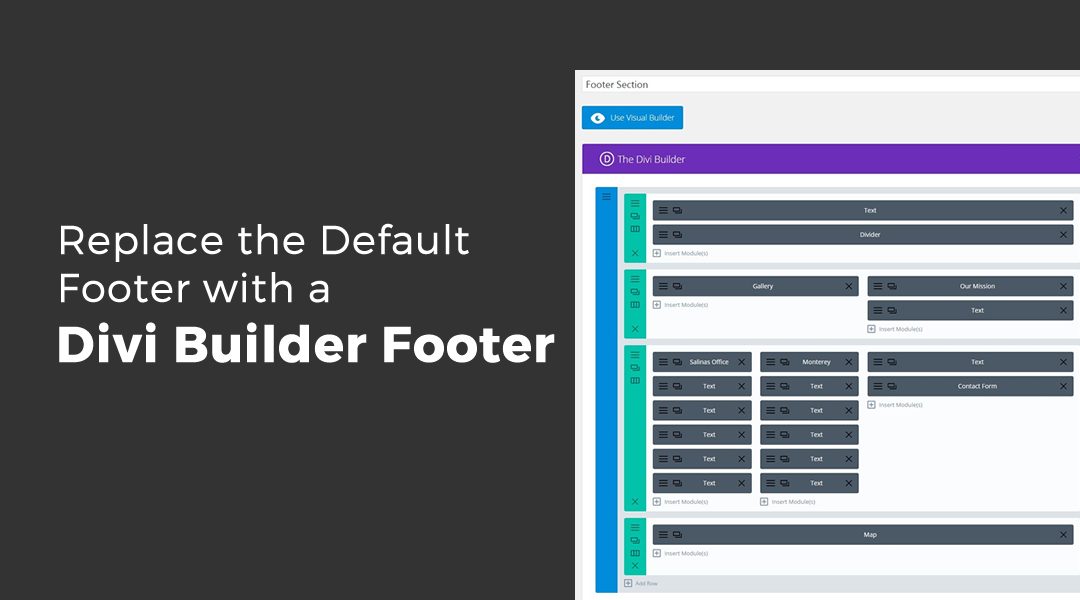
In this tutorial I am going to show you how easy it is to inject that saved footer section into every single page using php and without ever having to actually manually add it to each page individually.



By subscribing, you can stay up to date with the latest Divi tutorials, news, business tips, and more!
©2012-2019 Geno Quiroz | Teach Learn Build Love | Divi Expert Services | John 3:16
Divi is a registered trademark of Elegant Themes, Inc. This website is not affiliated with nor endorsed by Elegant Themes.

IT DOES NOT TAKE LONG TO GET LEFT BEHIND!